- web
- mobile
- safety
Reinventing encryption (E2EE) on Cloudsky
Published Sep 09 2026

Cloudsky
Published Sep 09 2026
From the very beginning, Cloudsky's goal is to be a unique blend combination for each browser or device using Sixcry DNA model.
Those who have used Cloudsky from its initial release through the version featuring a completely revamped interface with many improvements to the user experience, password handling, and viewing modes—already know that, as of the publication of this article, we employ unique encryption per account with no limit on the number of devices.
That said, on September 24, 2026, we are integrating the new Sixcry DNA model, ensuring that each device or each browser on a new device has its own unique combination, which we call a "blend". We know it took a long time to achieve a refined, functional result with this new Sixcry model. It utilizes the "One" model, making it unique to each user, device, or browser, thereby establishing a "DNA model" that serves as a unique identifier for encryption and decryption within this generation.
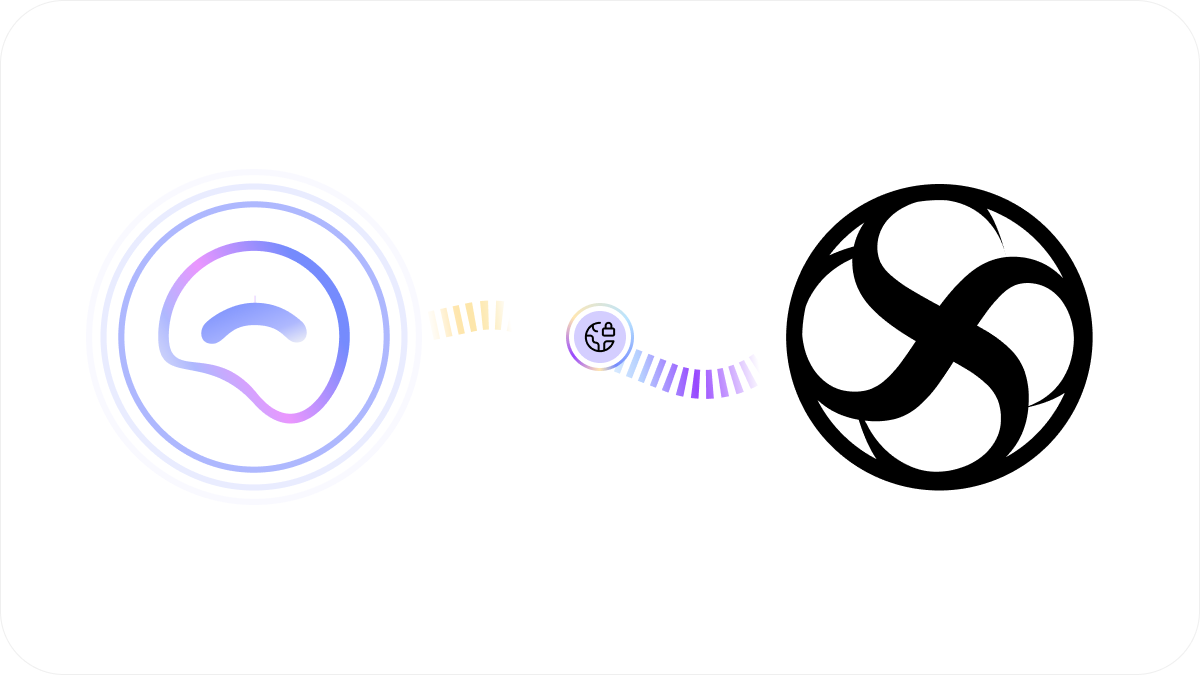
Cheerful, confident, and full of exciting news, we are here to explain what CloudSky will look like moving forward for all users around the world. 🌏 Yes, we are the first to integrate this model, thereby demonstrating its efficiency, functionality, and the management of each combination.
By now using Sixcry DNA as the primary encryption model for your devices and browsers, we can be absolutely certain that each device and browser has access to the respective passwords added to them. For the remainder of Cloudsky's lifespan, this new integration will be available to both existing and new users, featuring a new onboarding section tailored to this new workflow.
The goal of this migration is to enhance encryption and security on each device, ensuring that every device or browser has its own unique passwords and combinations, exponentially increasing security compared to other services. 🔒
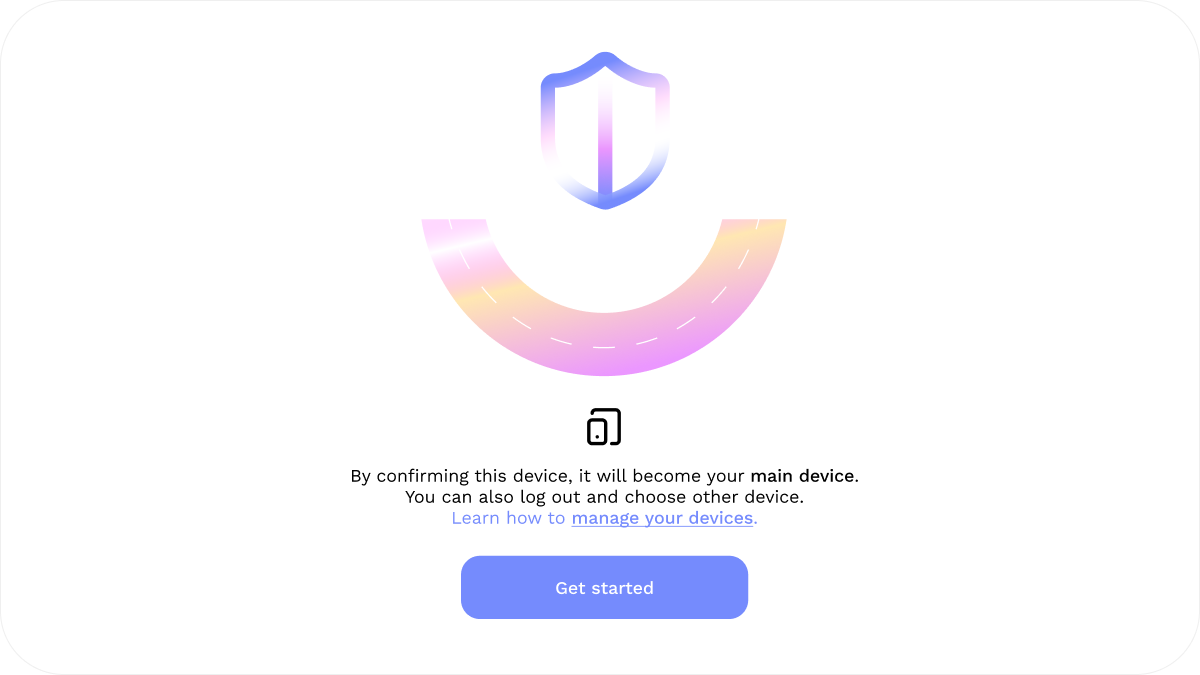
For existing users, whether you’re logging in from a new device or using the device where your account was originally created, you can choose which device and/or browser you’d like to set as your main one during setup. Once you’ve selected your main device, a “blend” will be created for it. This allows you to easily manage any additional devices or secondary browsers connected to your account. Your main device is the only one that can authorize secondary devices or new browsers to create new passwords within their respective environments.
Once you have decided which device will be your main device, this cannot be changed unless you create a new account!
Each blend represents your device's DNA; with every new secondary device authorized via the main device, your main blend is updated with everything necessary for management from the correct device. An important point for all users of this new generation of the internet utilizing Cloudsky is that the main device can decrypt or view all passwords from secondary devices, although secondary devices can only encrypt, decrypt, and view the passwords created on them enhancing security on each device.
After migrating to the new Sixcry DNA model, every previously created password as well as any new passwords created uses unique hexadecimal triplet combinations linked to your main device's DNA. 🌏
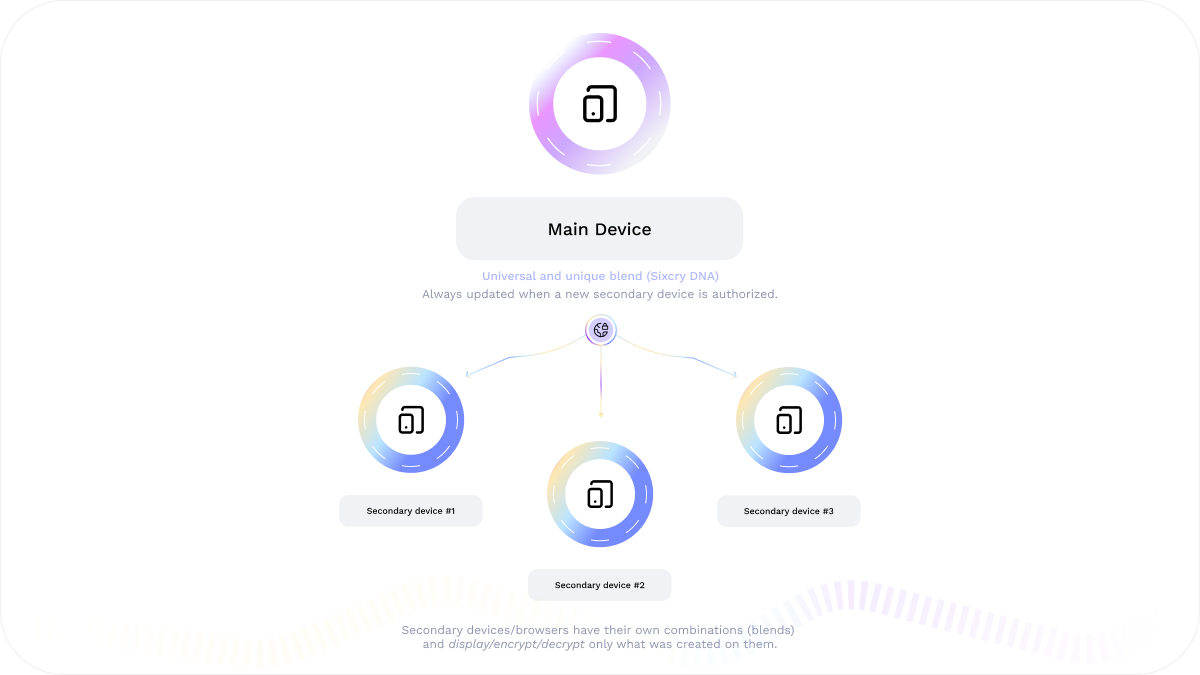
To start managing your devices, it is important to understand that only the device and browser you originally selected is your main device; it alone has access to the passwords created on it as well as those from secondary devices or browsers. Secondary devices or browsers only have access to their own respective passwords, and each maintains its own unique blend.
Use Cloudsky no limits with these changes:
- Blend is a unique combination: the DNA of each device or browser into a single file.
- Protect your blends (.csb): once you lose your main blend or the device, it will no longer be possible to authorize new devices or browser, view, encrypt or decrypt data, or migrate a secondary device to become a main one.
- Save your blends: offline location with no internet access.
- Be ready for the migration: as it ensures exponential security and guarantees that only you have access, remember that each blend represents a new DNA.